
Save everything. Find anything. Own all of it.
Hoard keeps the pictures, videos and pages you save from the web in a folder on your Mac, and finds them again by word, colour or collection. No cloud. No subscription. No one else's server.
Two clicks from “oh, that’s nice” to saved.
Right-click any image, video or page in Chrome and send it to Hoard, or straight into a collection. Hoard fetches the full-size original rather than the copy the page was showing, pulls out its colours, notes where it came from, and gets out of your way.
- Chrome extension
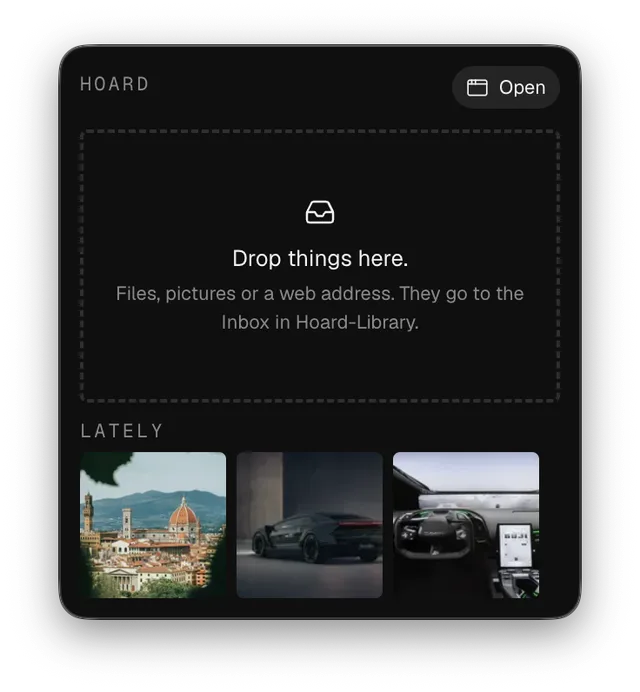
- Menu bar drop
- Paste a web address
- Drag from Finder
Nothing to organise on the way in.
Everything lands in the Inbox unless you say otherwise. A file you already have is recognised and not copied twice. A dead link is refused rather than saved as a picture of its own error page.
Remember the colour, not the filename.
Type a hex into search, or press a swatch on anything you have saved. Hoard ranks the whole library by how near each picture comes, measured in CIEDE2000, the way eyes judge colour rather than the way hex codes add up.
Sort it when you have a minute.
Drag a box. File the lot.
Search, drag a box round what you want and move it into a collection. One that does not exist yet is made on the way. A picture can live in as many collections as it belongs in.
Then look properly.
Open anything full size. ←→ walk the library, I clears the panel away so the picture gets the room, Esc puts it back where it came from.
It’s a folder. That’s the whole trick.
Your library is plain files and plain JSON on your Mac. Open it in Finder. Back it up however you like. Keep it on your internal drive, an external SSD or anywhere else a folder can live. Delete Hoard tomorrow and you still have everything.
- Hoard Library
- library.json
- tags.json
- collections
- 01M306HANKFXS94HKXQ8BC8MS2.json
- items
- 01M2TMK6NTEK6F9YMEQV6HM0G2
- original.pngyours, untouched
- item.jsonwhat Hoard knows
- thumb-256.webp
Feels like it belongs there.
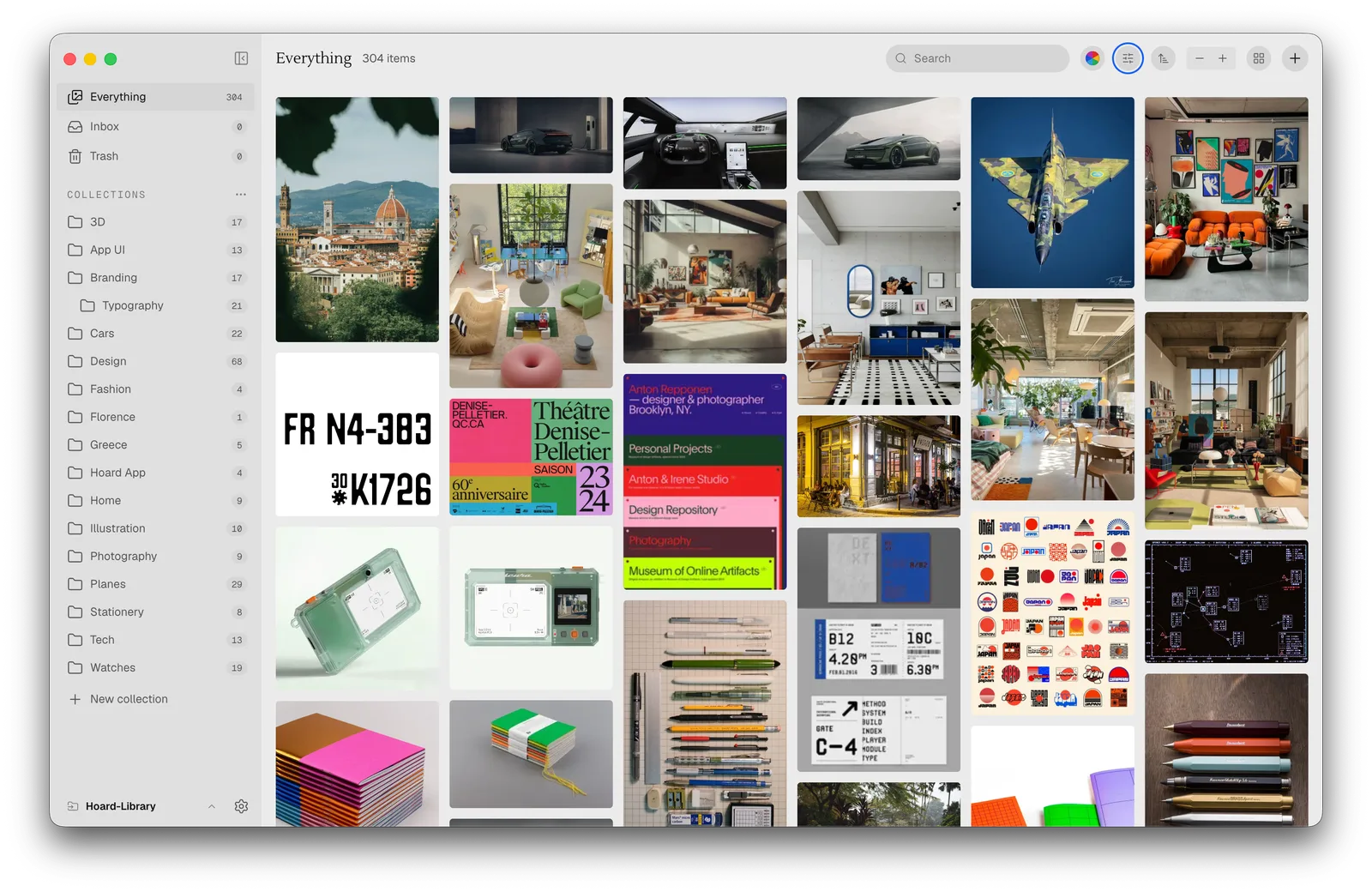
- Filters that narrowType, date, size, length, tag, collection and where it came from.
- Sorted your wayAdded, modified, name, size, dimensions, or a shuffle that stays put.
- Six zoom stopsFrom 80px cells for scanning to 800px for studying one thing.
- Videos that previewA poster frame, and a scrub through the clip as you hover.
- Links kept wholeA saved page keeps its picture and a capture of how it actually looked.
- A real TrashDeleting is soft. Things go back exactly as they were.
Price and questions
- One licence for up to three Macs
- A year of updates, and keep the version you have for good
- Seven days free to try everything
- No subscription, now or later
Hoard is not on sale yet. Apple Silicon Macs, macOS 14 or later.
Is Hoard a subscription?
No. You buy it once.
Where is my stuff?
In a folder on your Mac, wherever you put it. Hoard never uploads your library anywhere.
Does it work offline?
Yes. Everything except saving from the web and opening links, which need the web.
What can I save?
Images, GIFs, videos, and web pages as links with a preview and a capture of the page.
Can I get my stuff out?
It was never in. It is files in a folder. Open the folder.
Does it run on an Intel Mac?
No. Hoard is built for Apple Silicon only, which keeps it smaller and faster.